
How to Create Photo Collage T-Shirts
Our latest video takes you through the process of creating a Photo Collage within Photoshop.
If you are like me, you have too many photos sitting, hidden inside your phone. Photo Collages are a great way of shining a light on our photos. And what better way, than printing them on T-Shirts, Mugs and more.
Photo Revolution
How many photos have you taken today? Yesterday? And, how many of these images have you turned into a Photo Collage? Mostly likely, you’ve created a photo collage from your summer holidays or maybe your child’s birthday or how about your pet? Pet photo collage’s are a really popular photo collage.
What do you do with your photo collage once you’ve created it? Do you send it to your friends and family WhatsApp groups? Or how about social media? I think most of us, would post our photo collages to our social media feeds. And why not? Who doesn’t enjoy seeing cute or funny images of our pets or holiday adventures as we scroll through our social media feed.
Now, the question I put to you now is – what else can we do with our photo collages? Well, if we do a quick google search, it doesn’t take us long to find all the many different ways that we can use our photo collages.
How to use Photo Collages:
- Post on Facebook
- Post on Instagram
- Send to Family WhatsApp group
- Print & Frame
- Bedroom World Map
- Print a Pillow
- Print a T-Shirt
- Print on a Mug
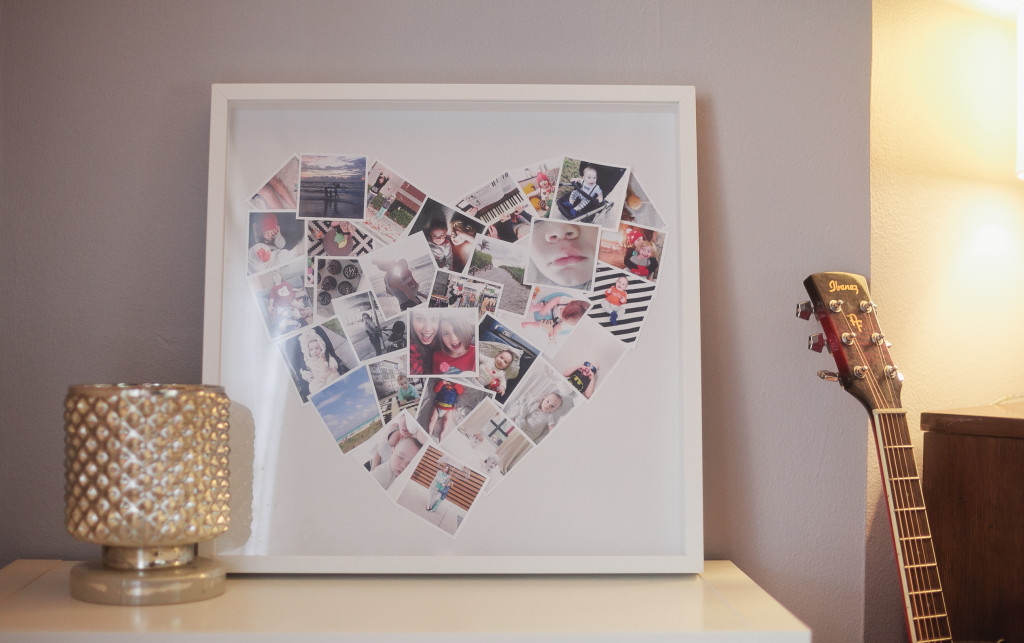
Many more photo collage ideas can be found online. A quick google search will provide you with many more photo collage ideas.
Photo: Diys.com
Personalised Products
One of the most popular ways of using our amazing photo collages, is by printing them onto t-shirts, pillows, mouse pads, mugs & many other everyday products.
The popularity in creating such personalised products has come about with the rise of the many print-on-demand providers. The print-on-demand industry is growing at an unbelievable rate. And this is because, people are no longer interested in buying generic products, which have been mass-produced in order to capture a larger customer base.
Customers are searching for products with a more personal touch. This is where we swing back to those print-on-demand businesses. Print-on-demand businesses are providing these personalised products.
When we combine print-on-demand with our pet photo collages or our newest baby shower photo collage, then we have got something special. We create demand. Demand for personalised products. Products which make our customers smile each morning when they wake up.
T-Shirt + Photo Collages
The t-shirt is an iconic staple in American fashion and culture. Originally designed as an undergarment, the t-shirt has transformed into the most ubiquitous item in apparel — and the most powerful. The story of this simple garment has transformed the fashion world, created its own industry in garment decorating, and changed the way messages are shared forever.
T-shirts have become the go-to product for most of us. Especially when we want to show support for an organization, charity or sports team. Between the mug and the t-shirt, we have two of the greatest products for showing off our latest photo collages.
Read the full history of the t-shirt and how it became the icon that it is today.
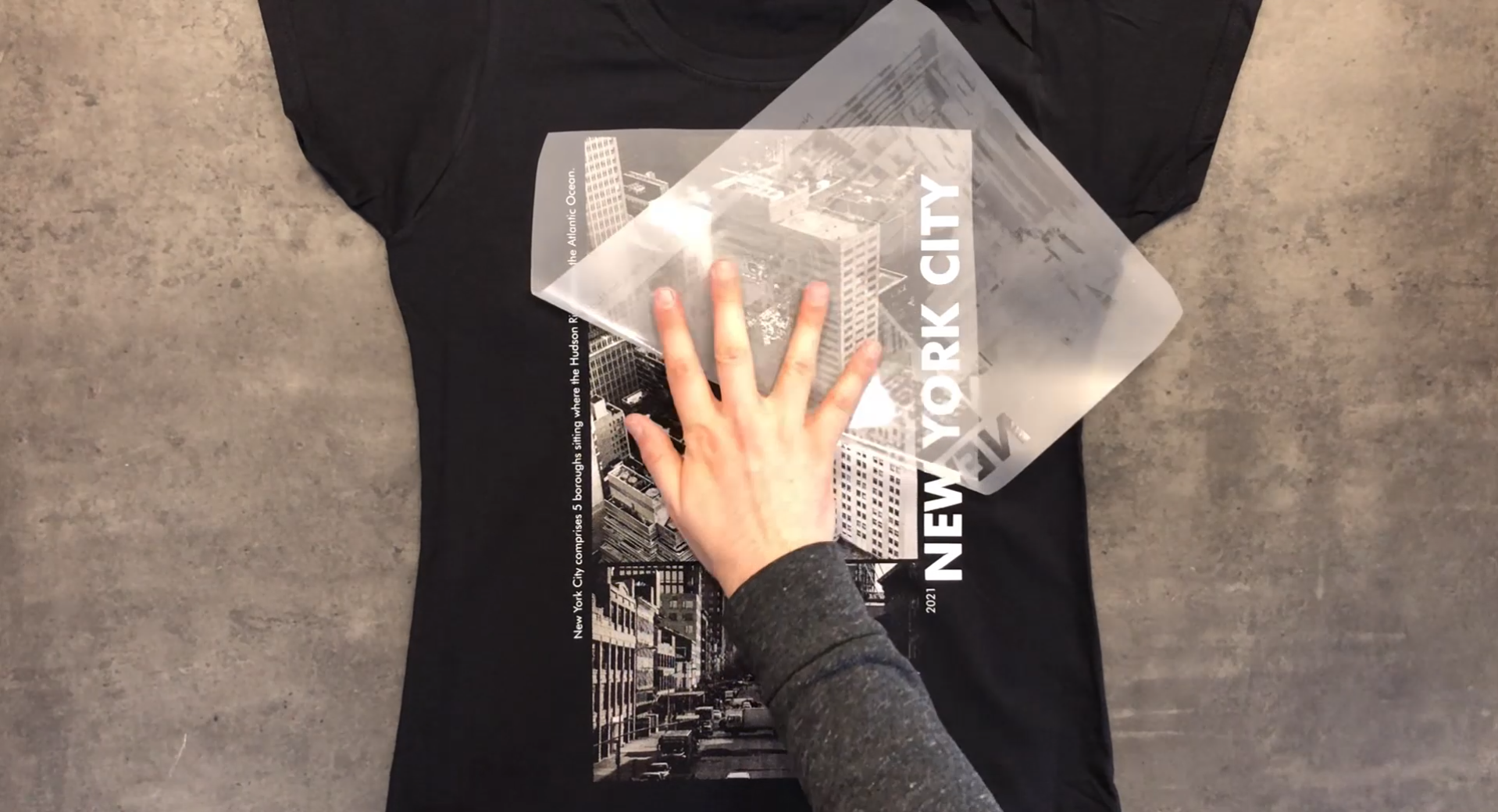
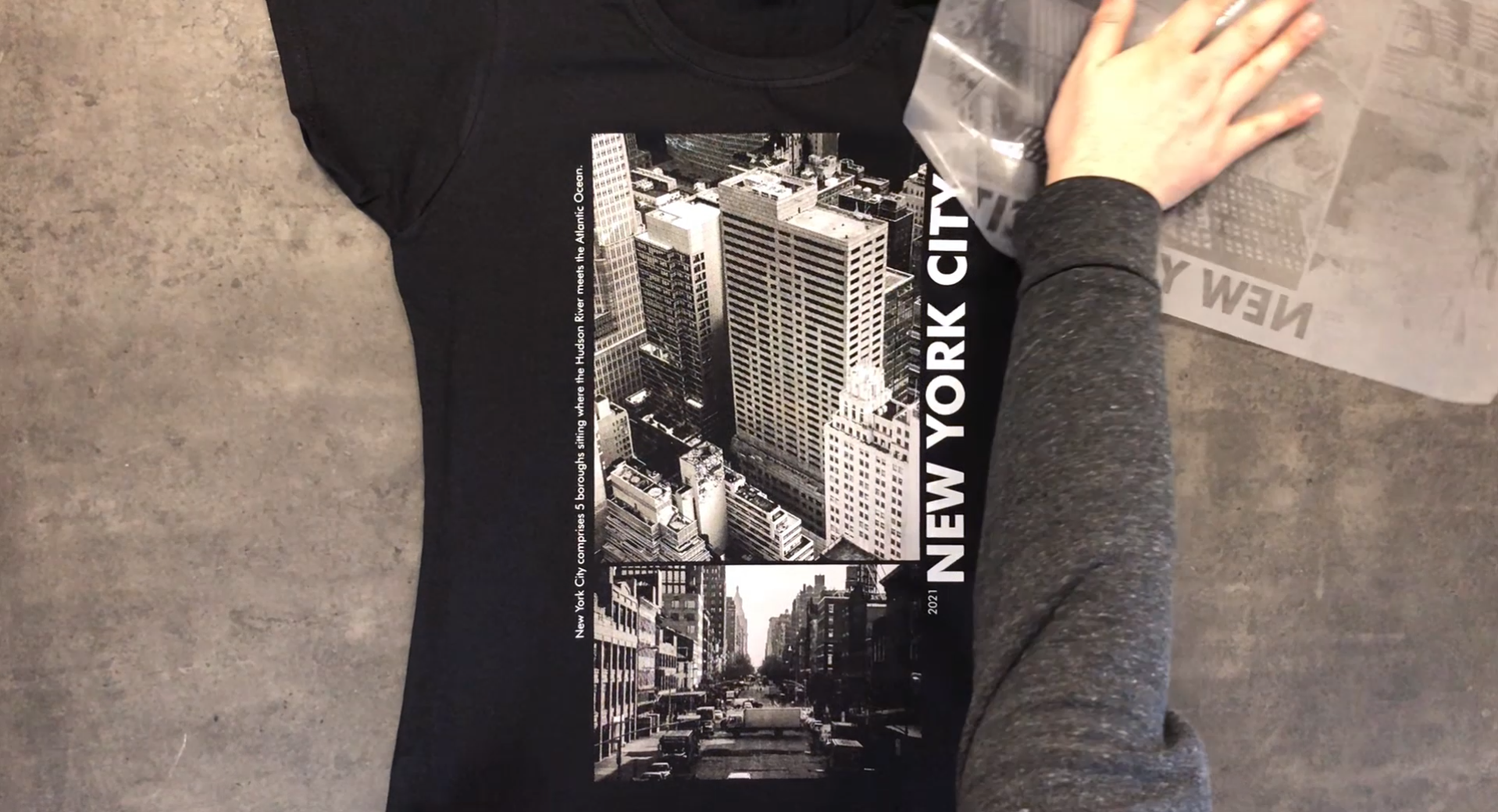
Print your Photo Collages onto T-Shirts
How can you put your design on a t-shirt? Great questions. This is where our white toner no-cut solutions arrive on the scene. With our no-cut heat transfer paper solutions, you can print any image you have onto the Cotton, Polyester, Nylon, Mixed Fabric garments as well as Ceramic Plates, Mugs and even Candles.
Take a look at our tutorial videos and see for yourself how easy you can transfer your photo collages to a t-shirt, mug and more.
How to Create Photo Collage T-Shirts
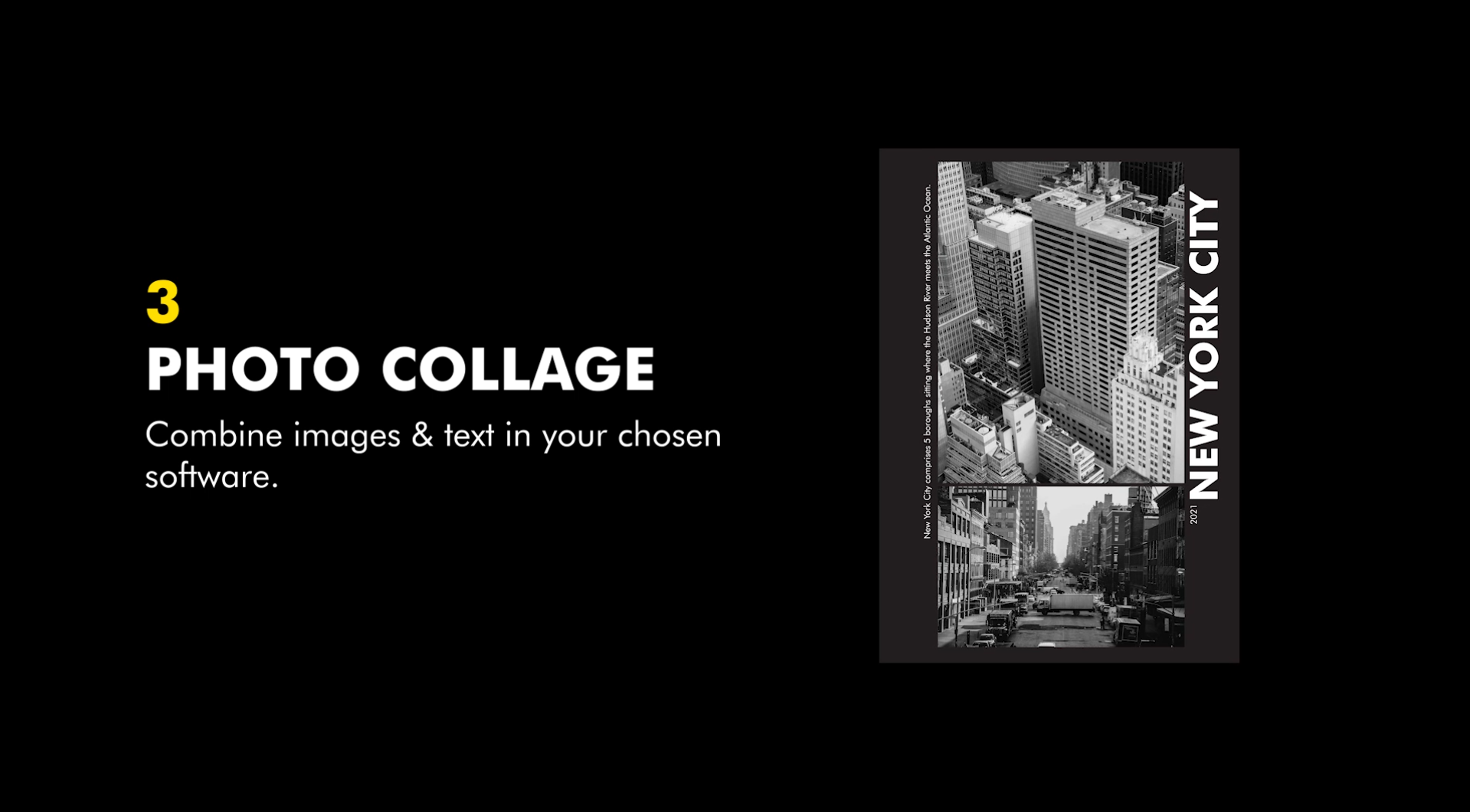
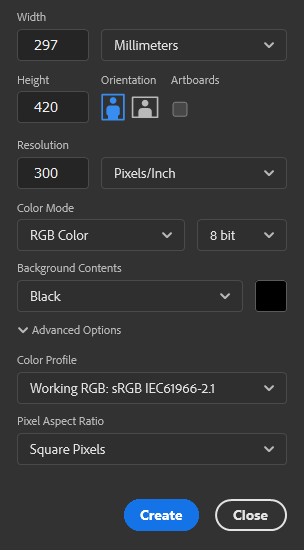
Step 1: Setup
Ok, let’s get down to the creative stuff. So, you have your images at the ready and you’ve copied them to your computer. Now what? Well, let’s begin by opening up Photoshop and create a new print ready file.
Print Ready File Settings:
- Correct print size: A3, A4, Letter or Tabloid
- 300 DPI/PPI
- CMYK Colour Mode
Step 2: Get Creative
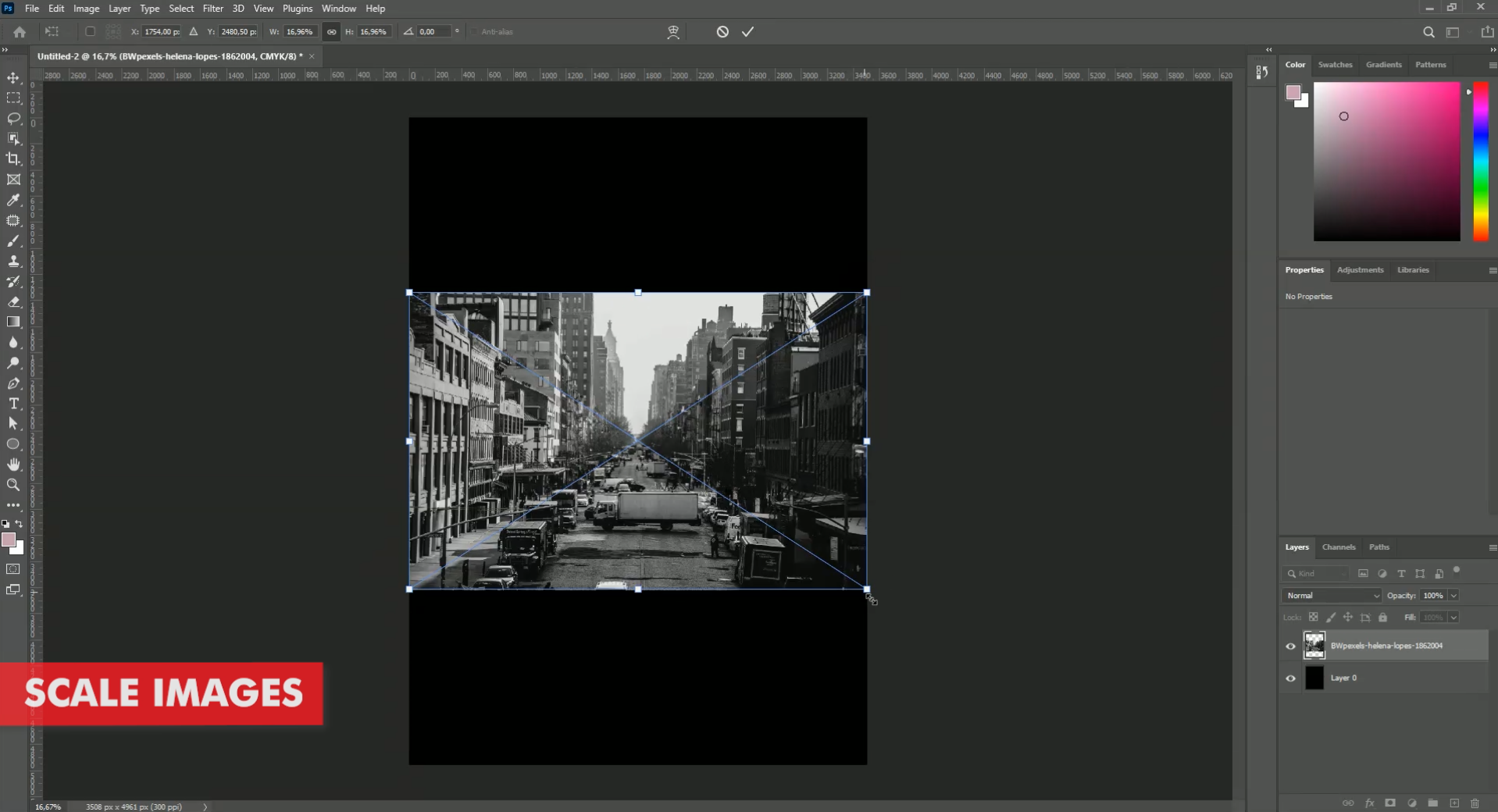
Once we have created our print ready file, we need to start by importing our images. To do this you can either drag and drop them into the file or you can go to File > Import.
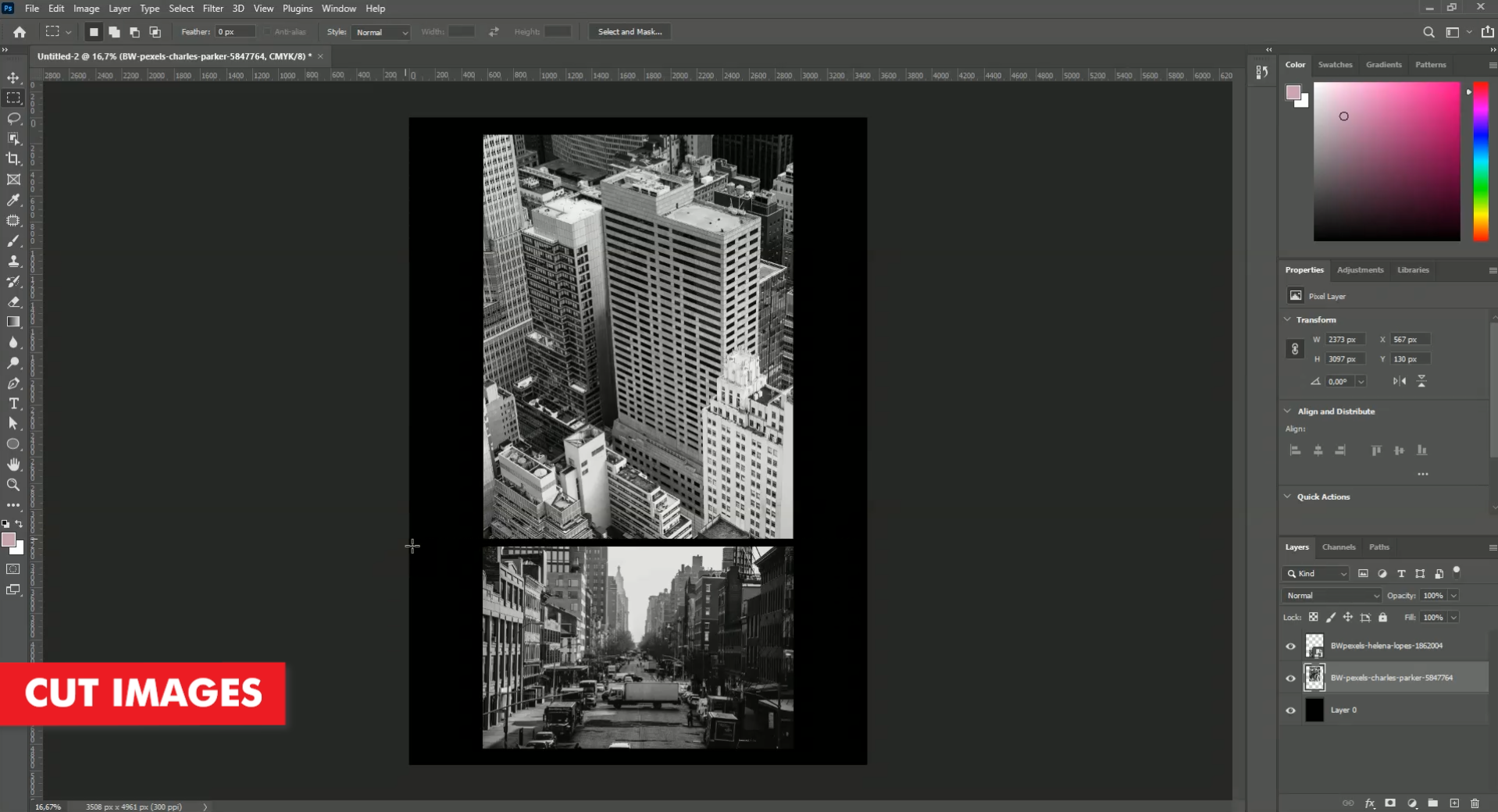
Now we have our images inside our file, we can start playing around with them. Start by scaling, rotating and even cutting the images to find our desired layout. For this video we chose old new york city stock images.
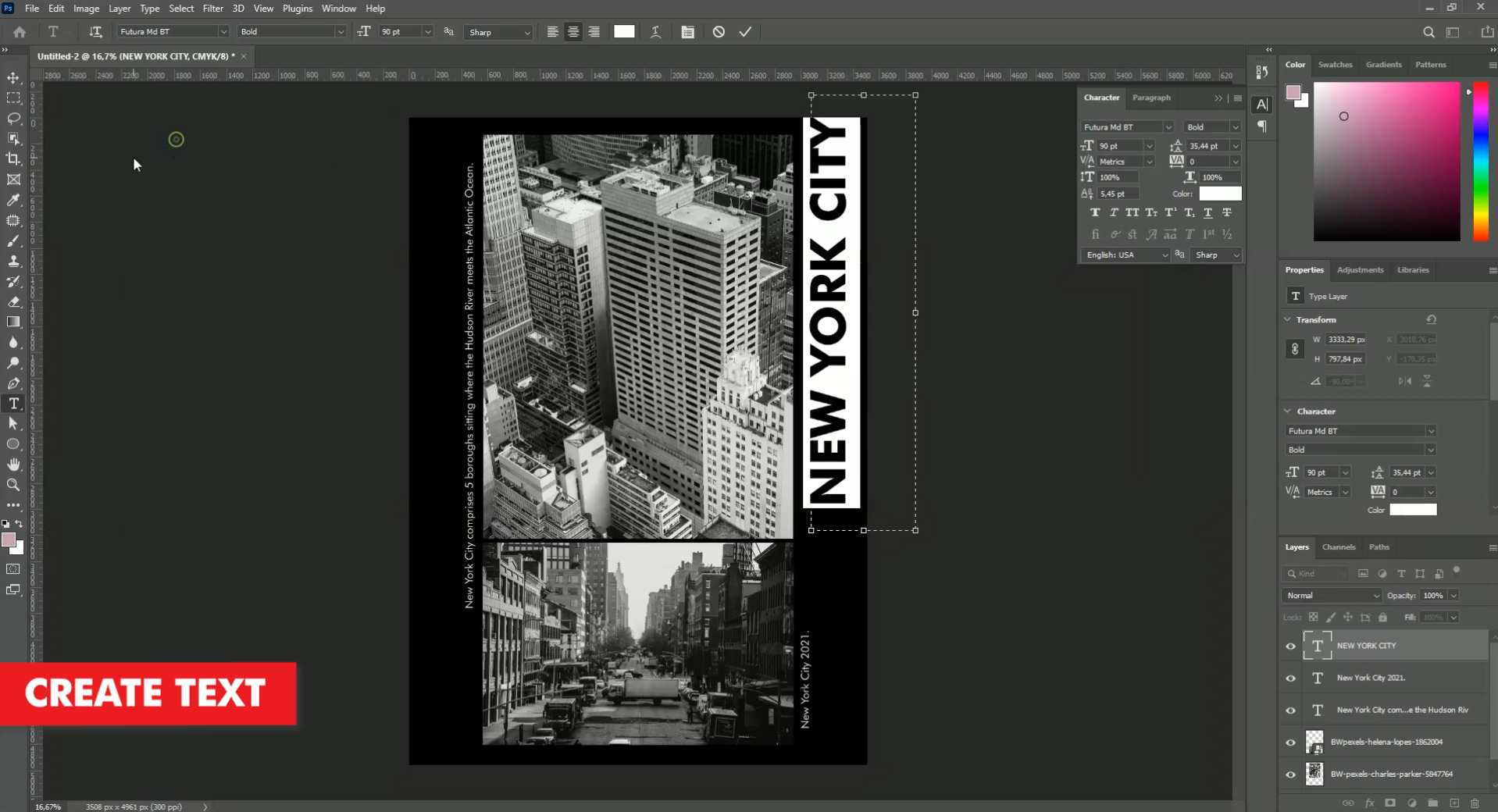
Let’s add some text to make our photo collage a little more relatable. For our design, we went with the name New York City, the year and some facts. You are free to add any information you like. The text depends on the type of photo collage you are creating. For example, if you are creating a new born baby photo collage, then you could type the information from the birth. Such as, time of birth, date of birth, baby weight, Length, etc.
Step 3: Print & Press
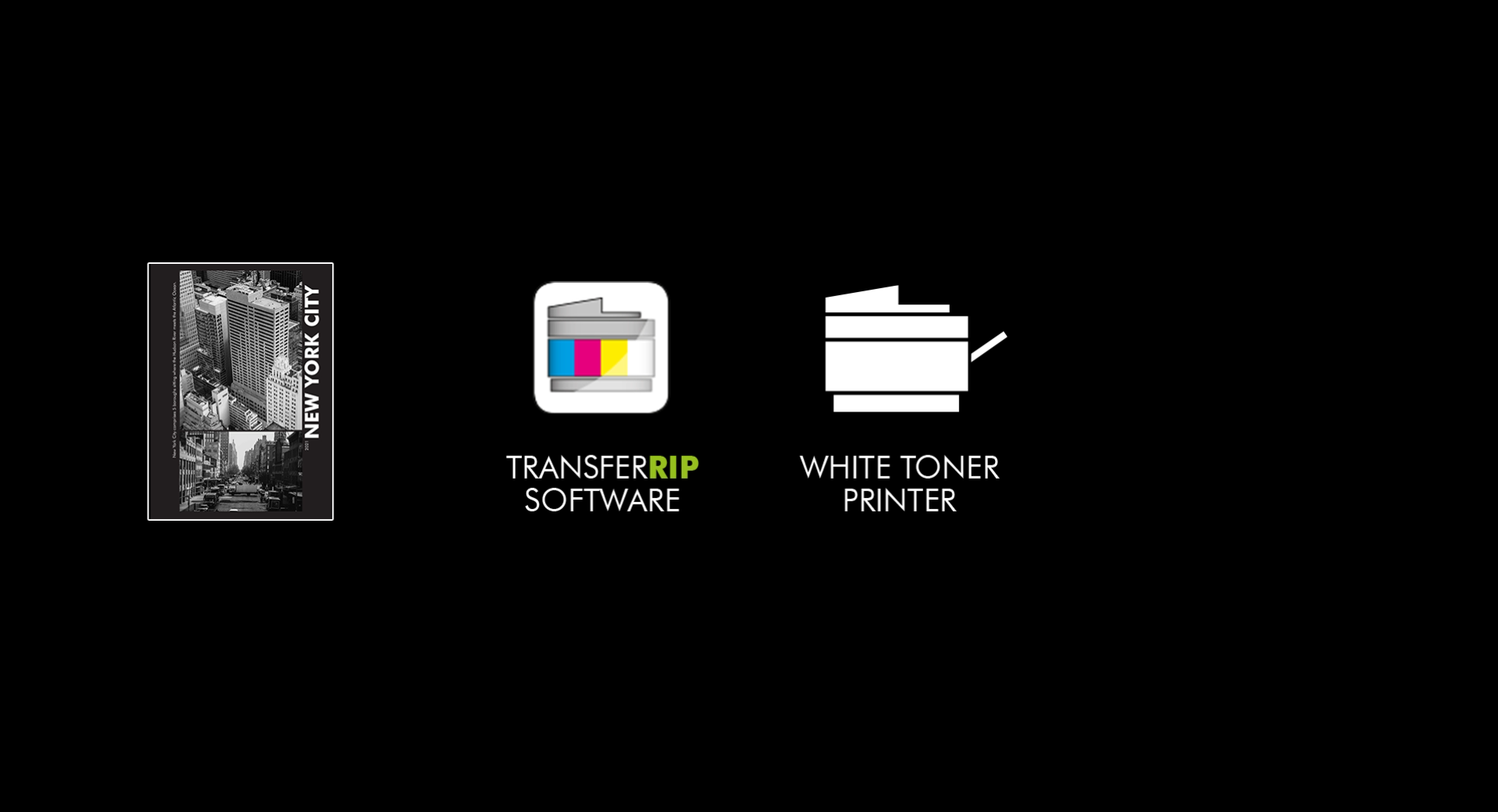
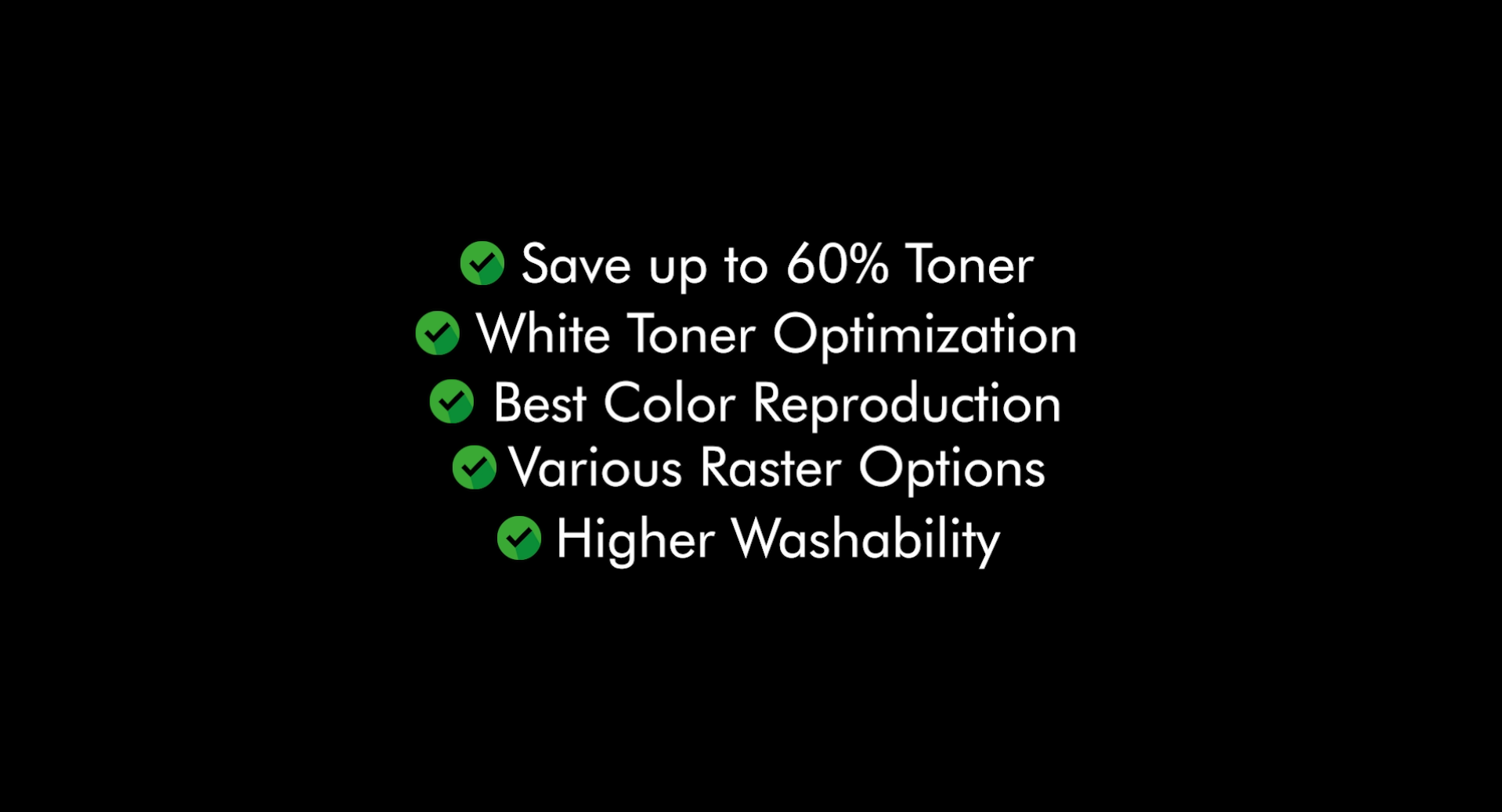
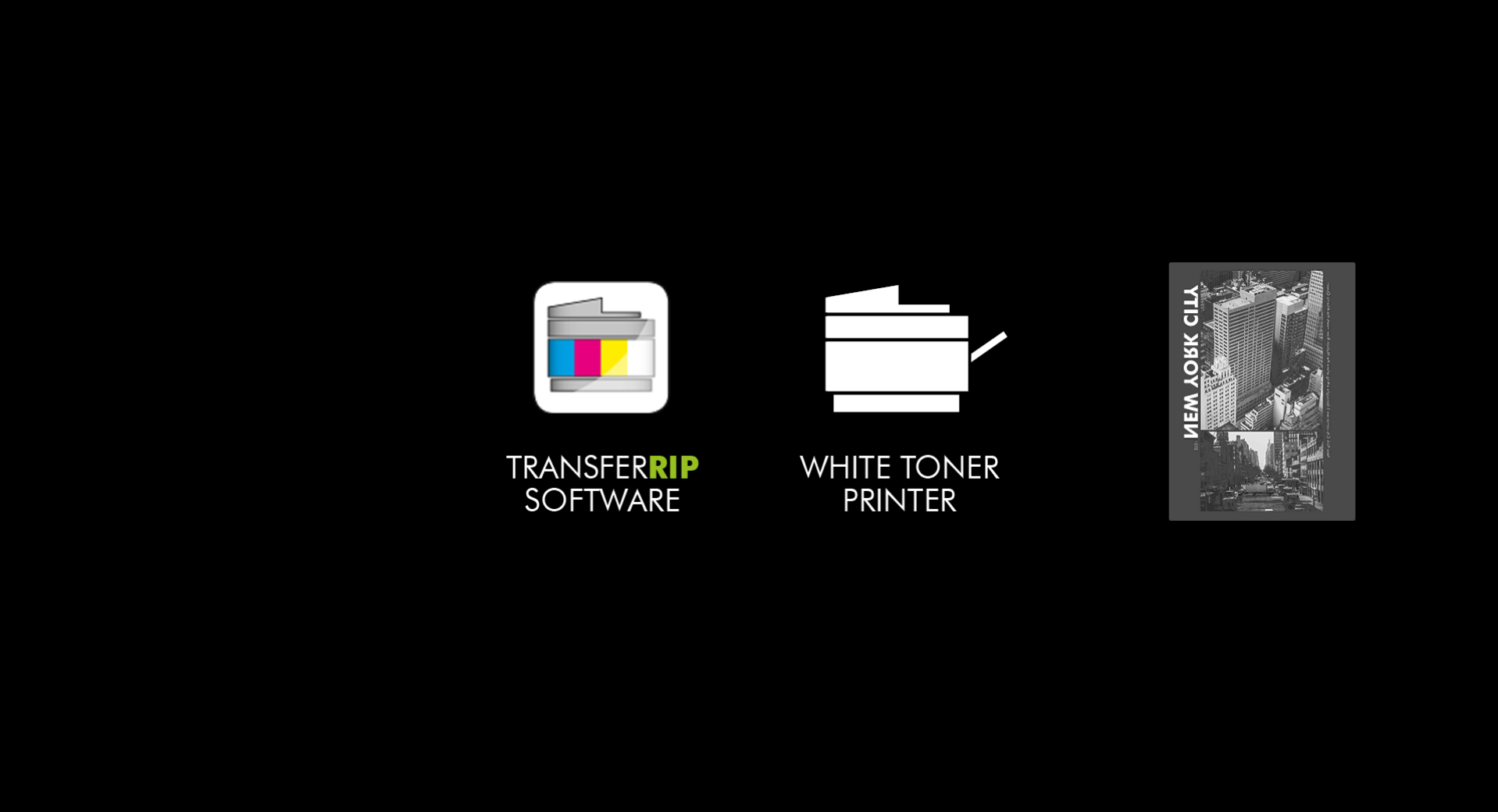
When you are happy with our photo collage, you should save our image and then import it into a RIP software. Our White Toner No-cut solutions perform to their best when the images are optimized through a RIP software. Of course, we are using the TransferRIP software. The TransferRIP software is saves us so much money on our toner costs. Plus, the TransferRIP software also makes our design softer and more durable because of the rasterization options.
TransferRIP Advantages:
- Save up to 60% Toner
- White Toner Controls
- Best Colour Reproduction
- Various Raster Options
- Higher Washability
All that we are left to do now is to press our photo collage to our t-shirt. For this video, we used Laser-Dark (No-Cut) transfer paper. You can learn how to press your images to your t-shirt by checking out our tutorials sections or check out our Youtube channel.
Conclusion
For more information on the different ways you can create t-shirt designs for white toner printers, please take a look at our other tutorials. Our tutorials are primarily focused on how to make your life easier, so you can create designs for heat transfer papers and the OKI white toner laser printers.
Or sign up for the White Toner Transfer Newsletter and we will send tutorials, tips & tricks and inspiration straight to your inbox.
You can learn more about our products over at our products page. We have a large range of products, which help you create and customise almost any garment or surface. Our goal is to help your business grow.
Leave a comment below. Let us know how your designs turned out and if you have any new topics which you would like to see, then please send them over too.