• Shopping Cart Shopping Cart
    0Shopping Cart
White Toner Transfer
  • News
  • Media/Software
  • Videos
  • Tutorials
    • Laser-Dark (No-Cut)
    • Laser-Light (No-Cut)
    • Multi-Trans
    • TransferRIP
    • Tips & Tricks
  • Support
    • FAQs
      • Laser-Dark (No-Cut)
      • Laser-Light (No-Cut)
      • Multi-Trans
      • TransferRIP
      • Printer Issues
      • Heat Presses
    • Restricted content
    • Downloads
  • Contact
  • My Account
  • Click to open the search input field Click to open the search input field Search
  • Menu Menu

Create Custom T-Shirt Designs from Words & Phrases
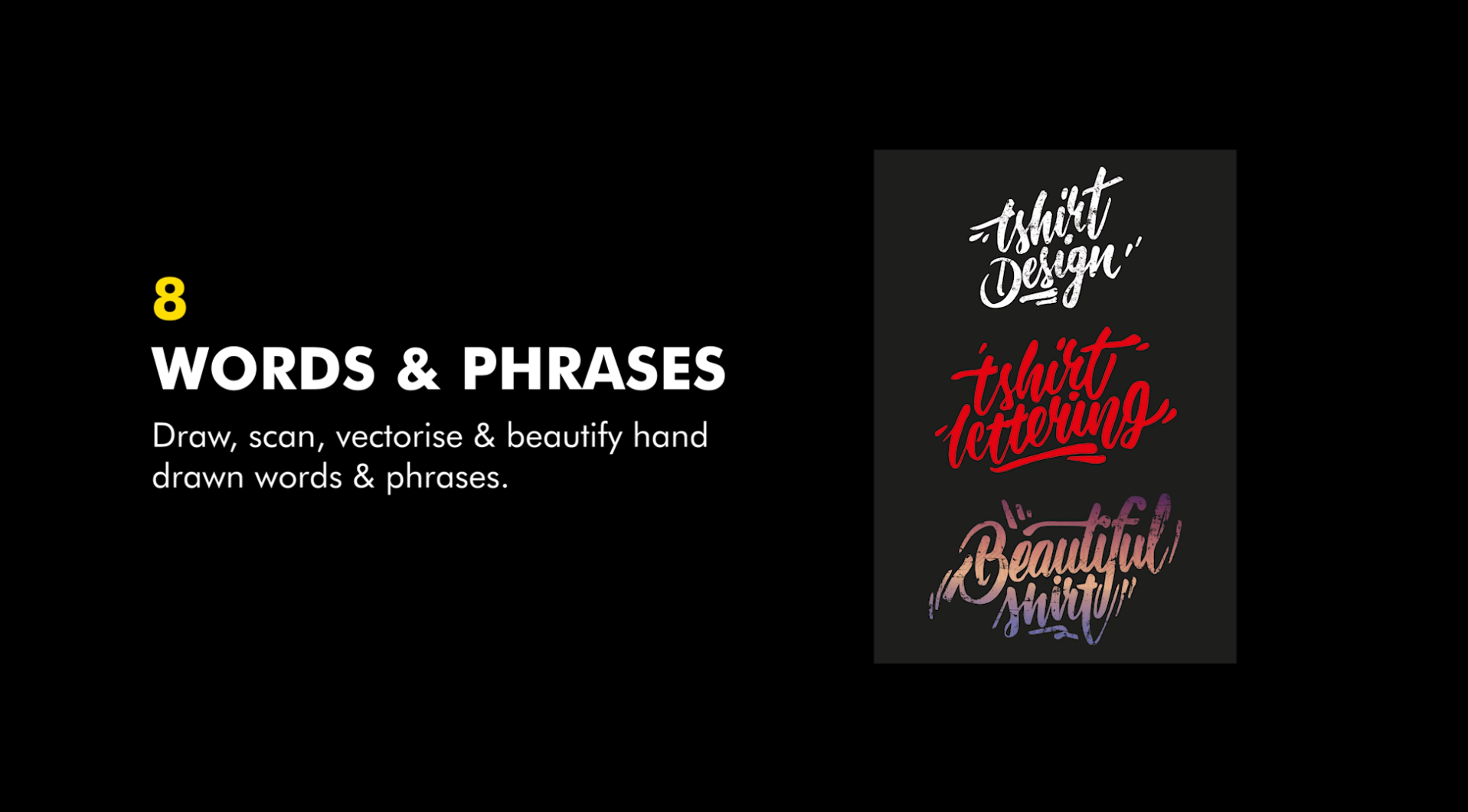
In this tutorial, we will run you through the process of creating your very own hand drawn Words & Phrases t-shirt designs. And, how to prepare your images for printing your images with digital heat transfers.

The continuous challenge of coming up with new and creative t-shirt designs is nothing new. The key to creating great t-shirt designs that will sell, is to research current trends and styles that are selling best and gaining popularity each year. And let’s face it, that’s no easy task with fashion trends changing so often!

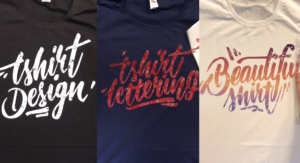
One such trend which we are seeing everywhere, are hand lettering style t-shirt designs. These calligraphy Words & Phrases are literally taking over the internet. Especially on social media. People cannot get enough of these hand drawn quotes and power words.

Download this tutorial as a printable PDF

Create Custom T-Shirt Designs from Words & Phrases

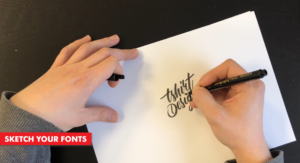
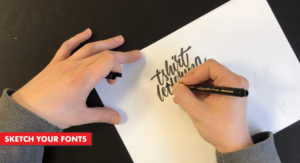
Step 1: Start Sketching

The first thing we need to do is get out our pen and paper. Then start sketching out our design. If you are having trouble coming up with some ideas, you can find inspiration online.

Calligraphy Inspiration:

  • Pinterest
  • Dribbble

These are just a few of the many inspiration style website, which you can find with a quick google search.
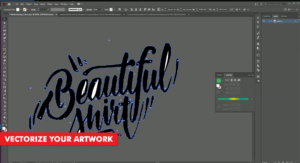
Step 2: Scan, Import & Vectorize

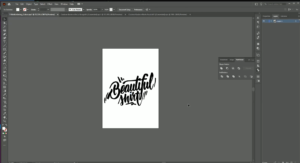
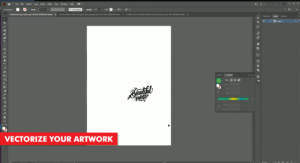
Once you have sketched out your word and/or phrase, we are ready to move on to the next step. Converting our pencil lines into vector lines.

These days, there are many different ways of getting your sketching into your computer. You probably already have your favourite option in mind.

Here are a few ways of getting your paper sketches into your computer:

  • Scan your image
  • Take a Photo with your phone
  • Take a photo with your camera

Once you have your image on your computer, then we need to open it up in our vector based program or app. For this tutorial, we went with Adobe Illustrator.
Step 3: Add Color

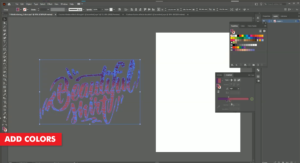
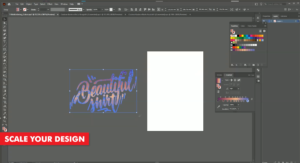
Now that our image has been redrawn, we can start adding colour to our Words & Phrases. For these designs we can use the Selection tool and simply choose a colour from the colour palette. You may even want to add a nice gradient to your quotes instead of using a flat colour. This all depends on your printing situation.

Adding Vintage Effects

A great option which we can add to our hand lettering images, is adding a vintage effect to the text. Adding vintage effects to our text will, firstly, make it look cooler, but, when we press our design to our garment, it will do two more things. We will save on toner as well as increasing the washability and durability of the finished garment.
Step 4: Print through the TransferRIP

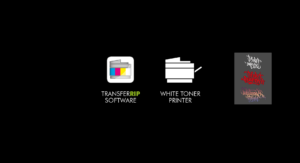
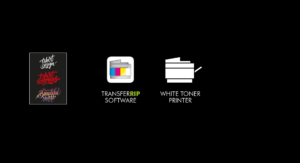
Now that our illustration t-shirt design is complete, we can go ahead and print it. The best way to do this is by processing our image through the TransferRIP software.

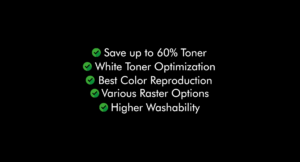
In this tutorial, we created a very colourful image, with not so many dark or black areas in the image. So when we process this image through the TransferRIP, we do not need to use any raster options. Instead, we can use the TransferRIP to reduce our white toner usage.

Processing images through the TransferRIP software, without using any raster options, will still benefit our business. This is becasue we can still save up to 25% on our white toner use. This option also makes our colours pop from the t-shirt. Which is an added benefit and not such a bad one.
Step 5: Press to the T-Shirt

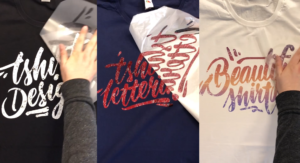
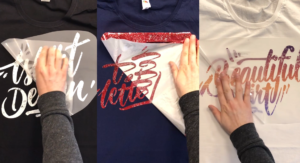
Once your design has been printed out, you can then press your t-shirt transfer to your garment.

Take a look at our many other tutorials to learn how to press to t-shirts.
Conclusion

For more information on working and printing with Photoshop clipping paths, please take a look at our other tutorials. Our tutorials are primarily focused on how to make your life easier, so you can create designs for heat transfer papers and the OKI white toner laser printers.

You can learn more about our products over at our products page. We have a large range of products, which help you create and customise almost any garment or surface. Our goal is to help your business grow.

Or sign up for the White toner transfer newsletter and we will send tutorials, tips & tricks and inspiration straight to your inbox.

Sign me up!

Leave a comment below. Let us know how your designs turned out and if you have any new topics which you would like to see, then please let us know too.

Download this tutorial as a printable PDF

Share this:

  • Share on Facebook (Opens in new window) Facebook
  • Share on LinkedIn (Opens in new window) LinkedIn
  • Share on X (Opens in new window) X
  • Share on Telegram (Opens in new window) Telegram
  • Share on WhatsApp (Opens in new window) WhatsApp
  • Email a link to a friend (Opens in new window) Email
  • Print (Opens in new window) Print

Like this:

Like Loading…

Related

Categories

  • Newsletters
  • Tutorials
    • Image Preparation
    • OKI White Toner Printers
  • Videos
    • Laser-Dark (No-Cut) LowTemp
    • Laser-Light (No-Cut)
    • Multi-Trans
    • TransferRIP

Newsletter

Latest News

  • How to Create Metallic Christmas Sweaters3rd December 2021 - 2:30 pm
  • Create Custom T-Shirt Designs from Words & Phrases13th August 2021 - 7:30 pm
  • How to Create Illustration Style T-Shirt Designs6th August 2021 - 7:00 pm

Latest Videos

  • How to Create Metallic Christmas Sweaters3rd December 2021 - 2:30 pm
  • Create Custom T-Shirt Designs from Words & Phrases13th August 2021 - 7:30 pm
  • How to Create Illustration Style T-Shirt Designs6th August 2021 - 7:00 pm

Transfer Media

  • Laser-Dark (No-Cut)
  • Laser Dark (No-Cut) LITE
  • Flex-Soft (No-Cut)
  • Laser-Light (No-Cut)
  • Laser Tattoo Paper
  • Multi-Trans
  • Multi-Trans Pro
  • Waterslide HT

Quicklinks

  • Acerca de
  • Transfers/Software
  • Soporte Técnico
  • Videos
  • Preguntas Frecuentes
  • Contacto
  • Mi Cuenta

Quicklinks

  • À propos
  • Media/Software
  • Support
  • Videos
  • FAQs
  • Contact
  • Mon compte

Software

  • IC-Split Software

White Toner Printers

  • OKI Pro8432WT
  • OKI Pro9420WT
  • OKI Pro7411WT
  • OKI Pro6410 Neon

Support

  • Videos
  • Printing Instructions
  • FAQs
  • Restricted content
  • Downloads
  • Restricted content
Popular
  • Preparing images for print10th March 2017 - 9:04 am
  • How to start a t-shirt business7th October 2024 - 12:32 pm
  • TransferRIP: Menu Overview22nd September 2015 - 8:34 am
  • TransferRIP: How to Update the TransferRIP software22nd September 2015 - 9:03 am

Keep in touch

Facebook
Instagram
YouTube


© Copyright - FOREVER GmbH 2020
  • Link to Facebook
  • Link to Youtube
  • Link to Instagram
  • Link to LinkedIn
  • About
  • My Account
  • Imprint
  • Privacy & Cookie Policy
Link to: How to Create Illustration Style T-Shirt Designs Link to: How to Create Illustration Style T-Shirt Designs How to Create Illustration Style T-Shirt DesignsLink to: How to Create Metallic Christmas Sweaters Link to: How to Create Metallic Christmas Sweaters How to Create Metallic Christmas Sweaters
Scroll to top Scroll to top Scroll to top
By clicking "Accept," you agree to the use of third-party cookies and other similar technologies to enhance your browsing experience, analyze and measure your engagement with our content, and provide more relevant website content. Learn more about your choices and cookies.
Accept Read More
Privacy & Cookies Policy

Privacy Overview

This website uses cookies to improve your experience while you navigate through the website. Out of these, the cookies that are categorized as necessary are stored on your browser as they are essential for the working of basic functionalities of the website. We also use third-party cookies that help us analyze and understand how you use this website. These cookies will be stored in your browser only with your consent. You also have the option to opt-out of these cookies. But opting out of some of these cookies may affect your browsing experience.
Necessary
Always Enabled
Necessary cookies are absolutely essential for the website to function properly. This category only includes cookies that ensures basic functionalities and security features of the website. These cookies do not store any personal information.
Non-necessary
Any cookies that may not be particularly necessary for the website to function and is used specifically to collect user personal data via analytics, ads, other embedded contents are termed as non-necessary cookies. It is mandatory to procure user consent prior to running these cookies on your website.
SAVE & ACCEPT

More information can be found on our family of websites!

Are you looking for something else?

  • FOREVER-OTS.com Digital Heat Transfers
  • Black Toner Transfer
%d