• Shopping Cart Shopping Cart
    0Shopping Cart
White Toner Transfer
  • News
  • Media/Software
  • Videos
  • Tutorials
    • Laser-Dark (No-Cut)
    • Laser-Light (No-Cut)
    • Multi-Trans
    • TransferRIP
    • Tips & Tricks
  • Support
    • FAQs
      • Laser-Dark (No-Cut)
      • Laser-Light (No-Cut)
      • Multi-Trans
      • TransferRIP
      • Printer Issues
      • Heat Presses
    • Restricted content
    • Downloads
  • Contact
  • My Account
  • Click to open the search input field Click to open the search input field Search
  • Menu Menu

How to Create Abstract T-Shirt Designs

Good t-shirt designs are those that people want to wear. And, Abstract t-shirt designs are a versatile solution in your t-shirt designing tool kit. Think outside the box and use shapes creatively in your next t-shirt design collection.

With the Abstract t-shirt design trend taking hold, we have put together yet another tutorial. We have packed this tutorial full of great tips and tricks to help you create your very own Abstract T-Shirt designs.

Download this tutorial as a printable PDF

Requirements:

  • You’ll need Adobe Illustrator or similar image editing software

What you’ll learn

  • Tools for creating shapes
  • Abstract layout ideas
  • Combine shapes to create t-shirt designs
  • How to use the TransferRIP software for Abstract designs

What Are Abstract Designs

The abstract design is an attractive t-shirt design trend that will have artsy types running to your shop. Abstract t-shirt designs have the power to individually convey a distinct message or say something more profound about you without the use of words.

Check out some of the amazing examples of abstract t-shirts created by various designers around the world. Get inspired and start planning your custom abstract t-shirt design today.

How to Create Abstract T-Shirt Designs (Lines & Shapes)
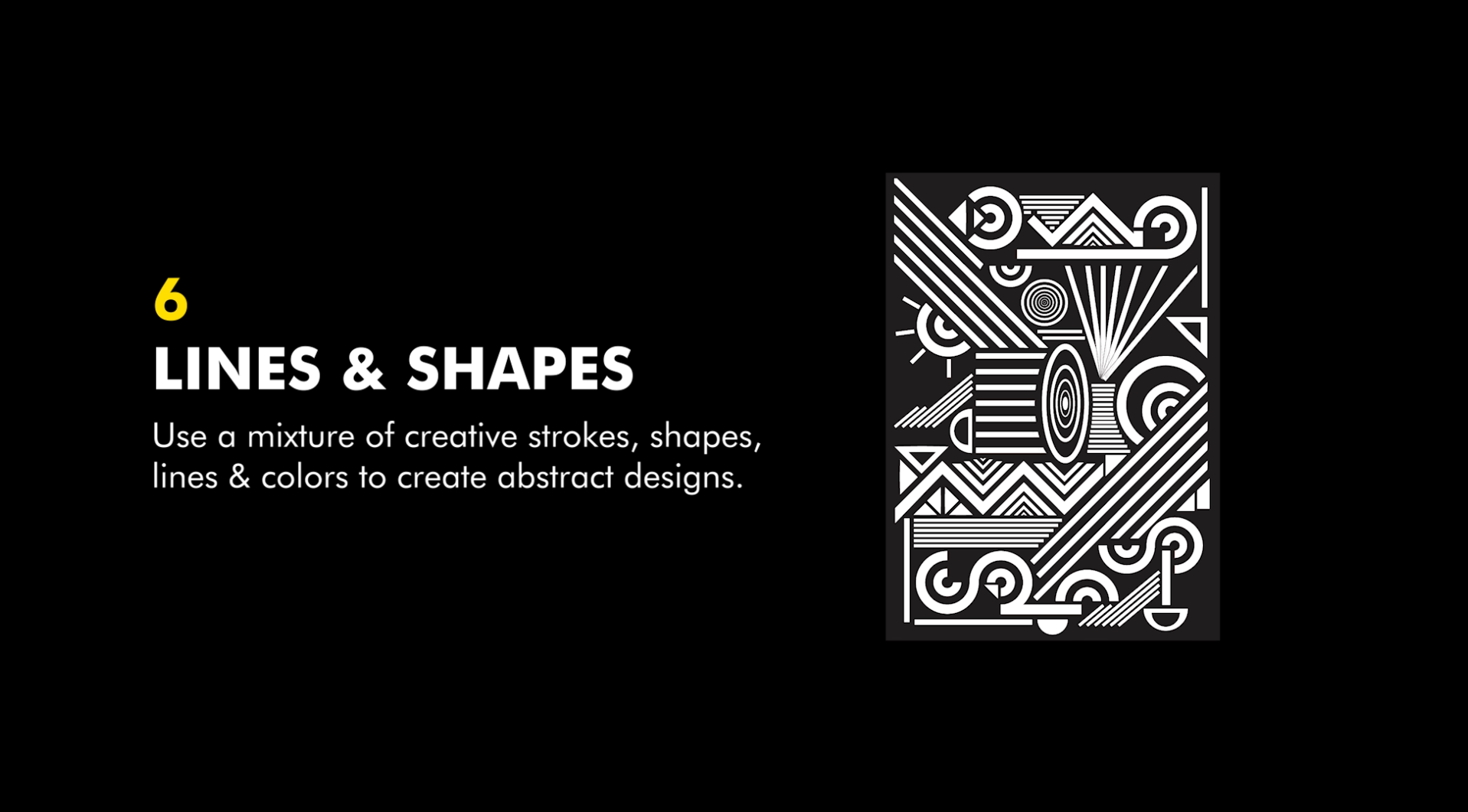
Step 1: Start Creating Shapes

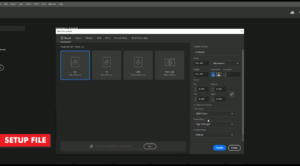
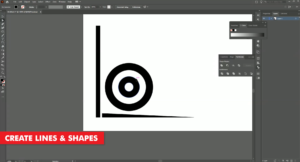
Once you have illustrator open and your artboard setup, we need to begin by adding some different shapes. There are no rules here, especially with our No-Cut transfer paper, you can choose any shapes you want.

Make some oval shapes, long rectangles, lines, circles or whatever you feel like creating in the moment. You can go as small as you like or create the finest of lines. Our No-Cut transfer paper can handle the most complex design you can throw at it.

We need to get as many different shapes and lines on our artboard as we possibly can. Just so we can see what we have to play with.

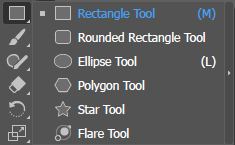
Creating shapes can be done by using a few different tools. In Adobe illustrator, you can create shapes from the following tools listed below. Other image editing programs will have similar tools to help you create some shapes.

Shape Tools:

  • Shape Tool
  • Lasso Tool
  • Pen Tool
  • Pencil Tool

Step 2: Combine Shapes

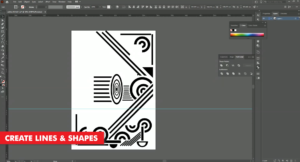
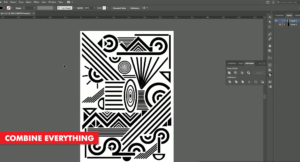
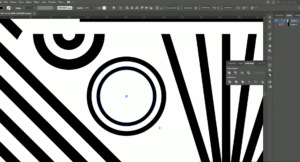
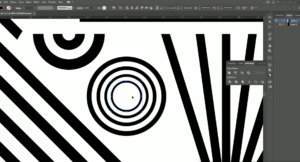
Once you have all your shapes on your artboard, the next steps we want to take, is to combine all the shapes we have. With Adobe Illustrator, we have the options of cutting, deleting and reshaping any and every shapes we want.

As your abstract design begins to take shape, make sure that there are no elements of the image which look out of position. Or if, certain sections need to be filled up with more smaller shapes.
Step 3: Print through the TransferRIP

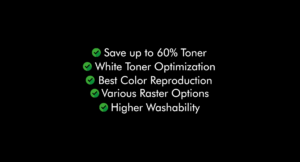
Now that our abstract t-shirt design is complete, we can go ahead and print it. The best way to do this is by processing our image through the TransferRIP software. In this video, we created a purely white t-shirt design, so this particular design would only benefit from using the TransferRIP software, if we used the Micro-Mask raster option.

The Micro-Mask raster option, helps you open up the white parts of your image. In fact, the micro-mask option applies a mask across the whole image. It doesn’t matter which colour values you have. Especially when we compare the micro-mask option to the Dark Media raster or the Light media raster options.

Learn more about the TransferRIP Image Rasterization options.
Step 4: Press to Garment

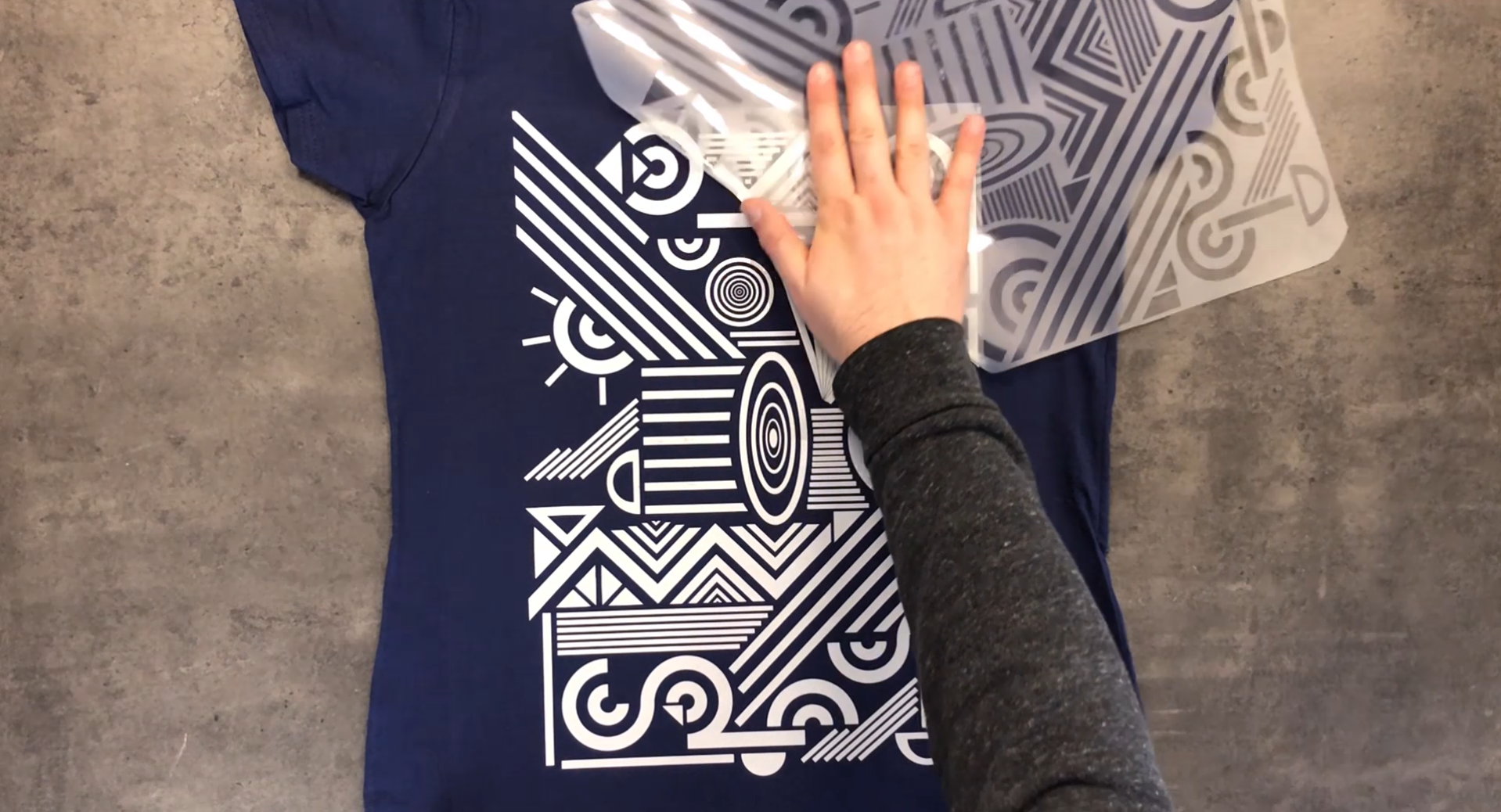
Once your design has been printed out, you can then press your t-shirt transfer to your garment.

Take a look at our many other tutorials to learn how to press to t-shirts.
Conclusion

For more information on the different ways you can create t-shirt designs for white toner printers, please take a look at our other tutorials. Our tutorials are primarily focused on how to make your life easier, so you can create designs for heat transfer papers and the OKI white toner laser printers.

You can learn more about our products over at our products page. We have a large range of products, which help you create and customise almost any garment or surface. Our goal is to help your business grow.

Or sign up for the White toner transfer newsletter and we will send tutorials, tips & tricks and inspiration straight to your inbox.

Sign me up!

Leave a comment below. Let us know how your designs turned out and if you have any new topics which you would like to see, then please let us know too.

Download this tutorial as a printable PDF

Share this:

  • Share on Facebook (Opens in new window) Facebook
  • Share on LinkedIn (Opens in new window) LinkedIn
  • Share on X (Opens in new window) X
  • Share on Telegram (Opens in new window) Telegram
  • Share on WhatsApp (Opens in new window) WhatsApp
  • Email a link to a friend (Opens in new window) Email
  • Print (Opens in new window) Print

Like this:

Like Loading…

Related

Categories

  • Newsletters
  • Tutorials
    • Image Preparation
    • OKI White Toner Printers
  • Videos
    • Laser-Dark (No-Cut) LowTemp
    • Laser-Light (No-Cut)
    • Multi-Trans
    • TransferRIP

Newsletter

Latest News

  • How to Create Metallic Christmas Sweaters3rd December 2021 - 2:30 pm
  • Create Custom T-Shirt Designs from Words & Phrases13th August 2021 - 7:30 pm
  • How to Create Illustration Style T-Shirt Designs6th August 2021 - 7:00 pm

Latest Videos

  • How to Create Metallic Christmas Sweaters3rd December 2021 - 2:30 pm
  • Create Custom T-Shirt Designs from Words & Phrases13th August 2021 - 7:30 pm
  • How to Create Illustration Style T-Shirt Designs6th August 2021 - 7:00 pm

Transfer Media

  • Laser-Dark (No-Cut)
  • Laser Dark (No-Cut) LITE
  • Flex-Soft (No-Cut)
  • Laser-Light (No-Cut)
  • Laser Tattoo Paper
  • Multi-Trans
  • Multi-Trans Pro
  • Waterslide HT

Quicklinks

  • Acerca de
  • Transfers/Software
  • Soporte Técnico
  • Videos
  • Preguntas Frecuentes
  • Contacto
  • Mi Cuenta

Quicklinks

  • À propos
  • Media/Software
  • Support
  • Videos
  • FAQs
  • Contact
  • Mon compte

Software

  • IC-Split Software

White Toner Printers

  • OKI Pro8432WT
  • OKI Pro9420WT
  • OKI Pro7411WT
  • OKI Pro6410 Neon

Support

  • Videos
  • Printing Instructions
  • FAQs
  • Restricted content
  • Downloads
  • Restricted content
Popular
  • Preparing images for print10th March 2017 - 9:04 am
  • How to start a t-shirt business7th October 2024 - 12:32 pm
  • TransferRIP: Menu Overview22nd September 2015 - 8:34 am
  • TransferRIP: How to Update the TransferRIP software22nd September 2015 - 9:03 am

Keep in touch

Facebook
Instagram
YouTube


© Copyright - FOREVER GmbH 2020
  • Link to Facebook
  • Link to Youtube
  • Link to Instagram
  • Link to LinkedIn
  • About
  • My Account
  • Imprint
  • Privacy & Cookie Policy
Link to: Create Customized Font T-Shirt Designs Link to: Create Customized Font T-Shirt Designs Create Customized Font T-Shirt DesignsLink to: How to Create Illustration Style T-Shirt Designs Link to: How to Create Illustration Style T-Shirt Designs How to Create Illustration Style T-Shirt Designs
Scroll to top Scroll to top Scroll to top
By clicking "Accept," you agree to the use of third-party cookies and other similar technologies to enhance your browsing experience, analyze and measure your engagement with our content, and provide more relevant website content. Learn more about your choices and cookies.
Accept Read More
Privacy & Cookies Policy

Privacy Overview

This website uses cookies to improve your experience while you navigate through the website. Out of these, the cookies that are categorized as necessary are stored on your browser as they are essential for the working of basic functionalities of the website. We also use third-party cookies that help us analyze and understand how you use this website. These cookies will be stored in your browser only with your consent. You also have the option to opt-out of these cookies. But opting out of some of these cookies may affect your browsing experience.
Necessary
Always Enabled
Necessary cookies are absolutely essential for the website to function properly. This category only includes cookies that ensures basic functionalities and security features of the website. These cookies do not store any personal information.
Non-necessary
Any cookies that may not be particularly necessary for the website to function and is used specifically to collect user personal data via analytics, ads, other embedded contents are termed as non-necessary cookies. It is mandatory to procure user consent prior to running these cookies on your website.
SAVE & ACCEPT

More information can be found on our family of websites!

Are you looking for something else?

  • FOREVER-OTS.com Digital Heat Transfers
  • Black Toner Transfer
Loading Comments...

You must be logged in to post a comment.

%d